
Withdrawal is the step players care about most after winning and choosing the right e-wallet method helps funds arrive faster. At Taya777, GCash and PayMaya are the two most widely used e-wallet options due to their speed and convenience. This guide explains how to withdraw Taya777 via GCash and PayMaya, covering the detailed withdrawal process for each wallet along with a comparison and important notes.
- Taya777 withdrawals via GCash and PayMaya are both carried out in the Withdraw section following a four-step process: enter the amount, select the wallet, fill in the receiving account details and Beneficiary Name then click the Withdraw button. Both wallets fall under the fast e-wallet category and complete within a few minutes to under 10 minutes during off-peak hours.
- The main difference between the two wallets lies in the information required: GCash requires the GCash ACC number to be entered directly while PayMaya requires a phone number with the +63 country code. According to the recommendation displayed on the platform interface, PayMaya processes withdrawals faster than GCash, however both are the optimal choice compared to bank transfer.
- Players must ensure their balance has been unlocked as a Withdrawable Amount through wagering, enter the correct wallet account number and a Beneficiary Name matching the registered name and monitor the status via Withdrawal History after submitting the request. Entering incorrect details may cause the transaction to be rejected.
How to Withdraw Taya777 via GCash
The GCash withdrawal process is carried out in the Withdraw section of the account. Here are the detailed steps:
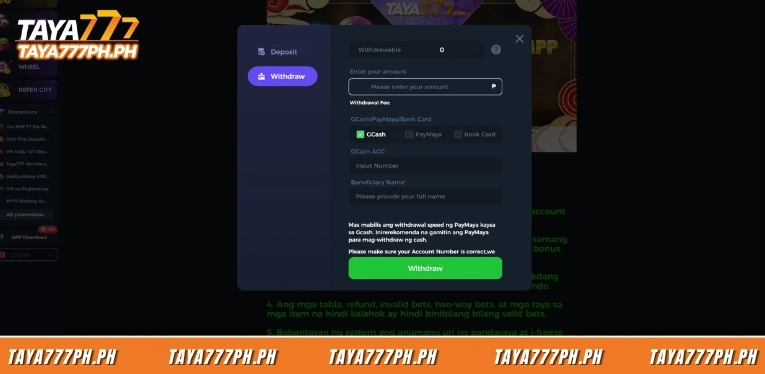
Step 1: Open the Withdraw tab and enter the amount
Players log in to their account, open the payment interface and select the Withdraw tab. In the Enter your amount field, players enter the withdrawal amount in peso, making sure it does not exceed the unlocked Withdrawable Amount.
Step 2: Select GCash as the withdrawal method
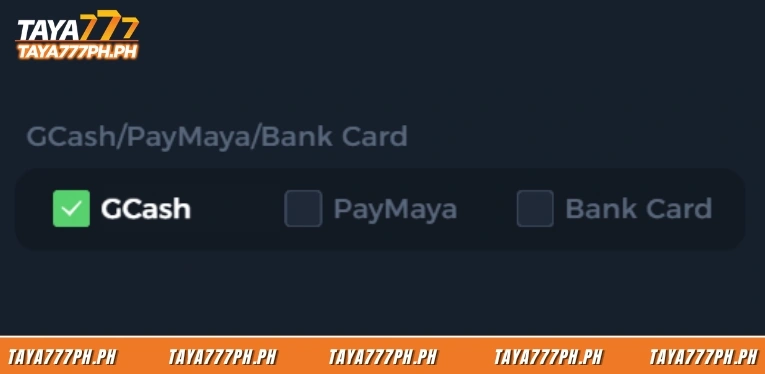
Under the GCash/PayMaya/Bank Card section, players tick the GCash option. The selected box turns to a green tick and the system displays the corresponding information fields for GCash.
Step 3: Enter the GCash ACC number and Beneficiary Name
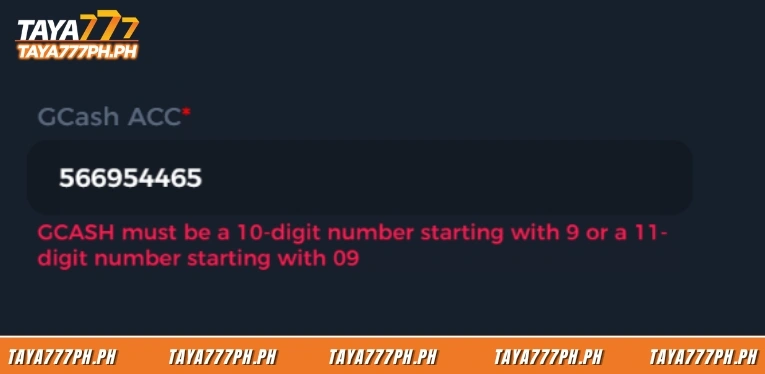
In the GCash ACC field, players enter their GCash account number in the Input Number box. In the Beneficiary Name field, players enter their full name matching the name registered on the Taya777 account. The interface displays a warning requiring players to verify the account number is correct, as the platform does not take responsibility for transactions that fail due to incorrect entry.
Step 4: Click Withdraw and wait for processing
Players click the green Withdraw button to submit the request. The transaction moves to a pending status immediately and processing typically completes within a few minutes to under 10 minutes during off-peak hours.
How to withdraw from Taya777 using PayMaya
The PayMaya withdrawal process is similar to GCash with the only difference being the account details required. Here are the detailed steps:
Step 1: Select PayMaya as the withdrawal method
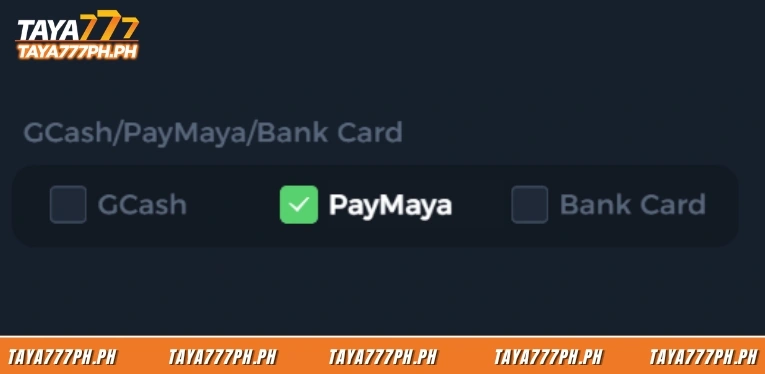
After opening the Withdraw tab and entering the amount, players tick the PayMaya option under the GCash/PayMaya/Bank Card section. The selected box turns to a green tick.
Step 2: Enter the phone number with the +63 country code
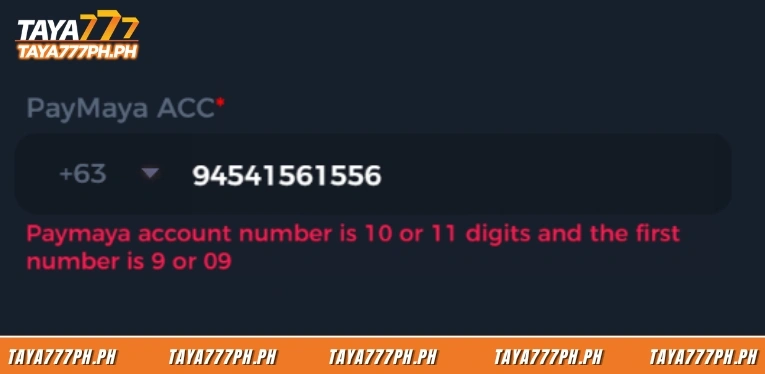
In the PayMaya ACC field, the system pre-fills the +63 Philippines country code. Players enter the phone number registered with their PayMaya wallet in the Input Number box next to the country code.
Step 3: Enter the Beneficiary Name
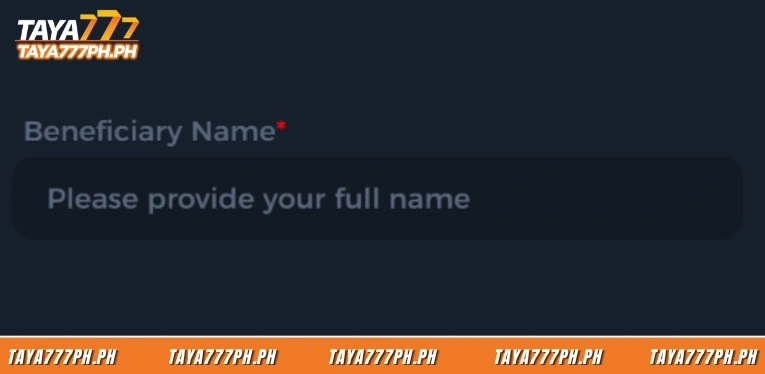
In the Beneficiary Name field, players enter their full name matching the name registered on the Taya777 account. This information is mandatory and must be accurate to avoid the transaction being rejected.
Step 4: Click Withdraw and wait for processing
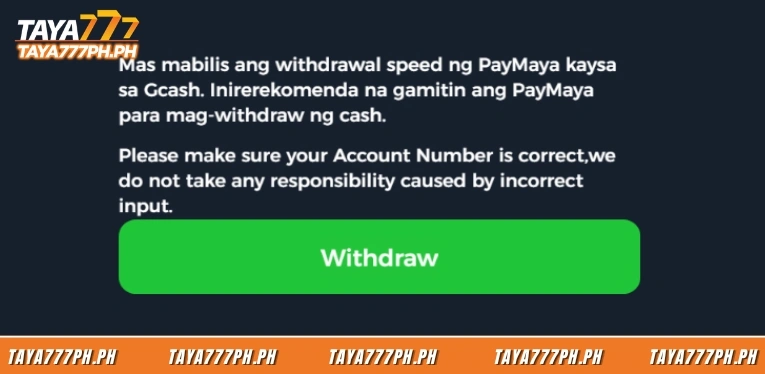
Players click the green Withdraw button to complete the request. PayMaya processes withdrawals faster than GCash according to the platform recommendation and most transactions complete within a few minutes.
How to track withdrawal status
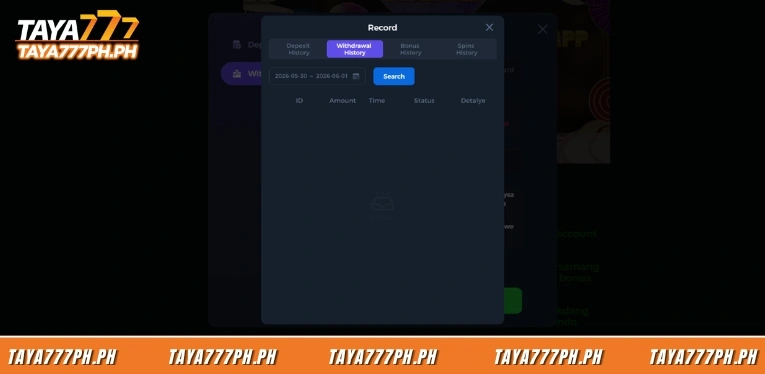
After submitting a withdrawal request via GCash or PayMaya, players can monitor the progress under the Record section. Players select the Withdrawal History tab to view the transaction status.
The Withdrawal History interface displays a data table with five columns: ID is the transaction code, Amount is the withdrawal sum, Time is when the request was made, Status is the processing state and Detalye contains the transaction details. Players filter transactions by time range by selecting a start date and end date then clicking the Search button to display the results.
Checking Withdrawal History allows players to track the status of their withdrawal request in real time. The transaction ID is also the information needed when contacting support for faster lookup if a transaction takes longer than expected.
Important notes for GCash and PayMaya withdrawals
Players should keep several important points in mind to ensure e-wallet withdrawal transactions go smoothly.
- Make sure the name on the GCash or PayMaya wallet matches the name registered on the Taya777 account as the platform applies a strict name-matching requirement.
- Double-check the wallet account number before clicking Withdraw as the platform does not take responsibility for transactions that fail due to incorrect entry by the player.
- Process withdrawals during off-peak hours for faster processing and avoid peak evening hours when transaction volume is high.
- Complete the wagering requirement to unlock the Withdrawable Amount before withdrawing as the system will only allow the unlocked portion to be withdrawn.
- Keep the transaction ID from Withdrawal History for easy reference when contacting support if needed.
GCash vs PayMaya withdrawal comparison at Taya777
Both GCash and PayMaya are fast-processing e-wallets but there are some differences players should be aware of. The table below compares the two methods:
| Criteria | GCash | PayMaya |
| Processing speed | A few minutes to under 10 minutes | Faster than GCash, platform recommended |
| Information required | GCash ACC number | Phone number with +63 country code |
| Beneficiary Name | Required, must match registered name | Required, must match registered name |
| Popularity in PH | Highest | High and growing |
| Best suited for | Existing GCash users | Players who prioritise faster withdrawal |
According to the recommendation displayed directly on the withdrawal interface, PayMaya processes withdrawals faster than GCash and the platform suggests players prioritise PayMaya when they need to receive funds quickly. However, players already accustomed to using GCash can still choose that wallet without a significant difference in overall experience.
Comparison of GCash and PayMaya withdrawals at Taya777
Taya777 withdrawals via GCash and PayMaya both follow the same simple four-step process with the only difference being the information entered: GCash uses the account number while PayMaya uses a phone number with the +63 country code. Both are fast e-wallets that complete within a few minutes and the platform recommends PayMaya for its slightly faster speed. Players must ensure their balance has been unlocked as a Withdrawable Amount, enter the correct Beneficiary Name matching the registered name and monitor the status via Withdrawal History for a smooth transaction.

Barbie Imperial is a Senior Content Strategist at TAYA777, specializing in online casino news, detailed gaming guides, and sports betting insights for the Philippine market. With a proven track record in the iGaming industry, she is committed to providing reliable, accurate information that helps players bet with clarity and confidence.